Managing username / password
For cases where the institution is not using IP address authentication or requires username/password access in addition to IP authentication, this allows administrators to manage user names and passwords for end users.
To use this feature:
- Login as the administrator for subscriber institution account (make sure you’ve logged out as regular user)
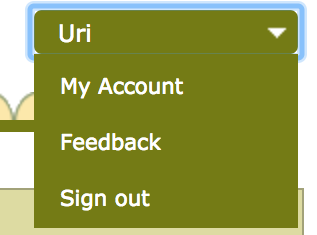
- Click on “My Account” under your name – top right
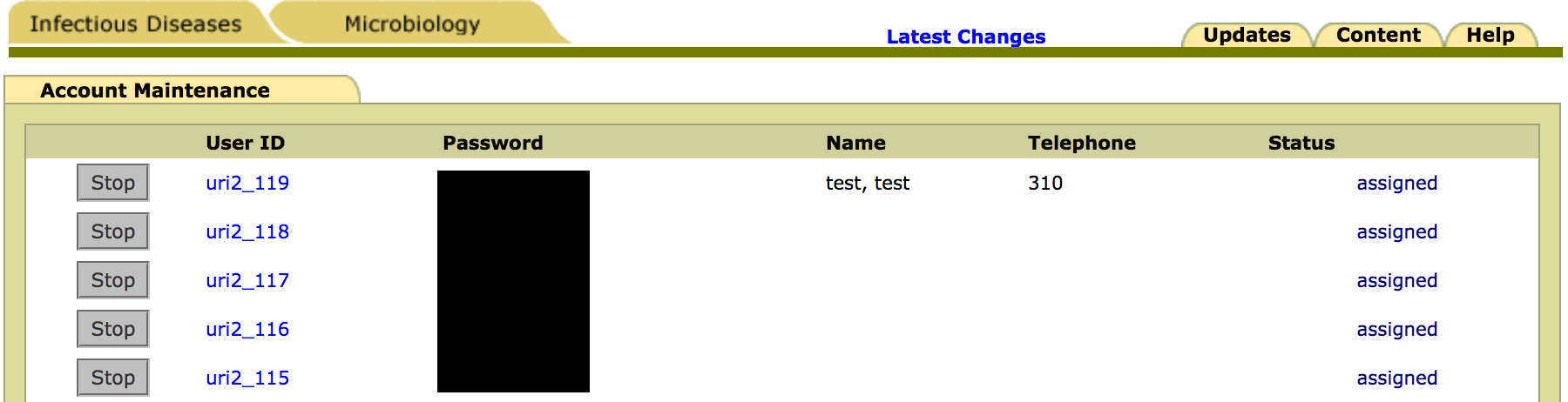
- Under User Administration, click “Account Maintenance”
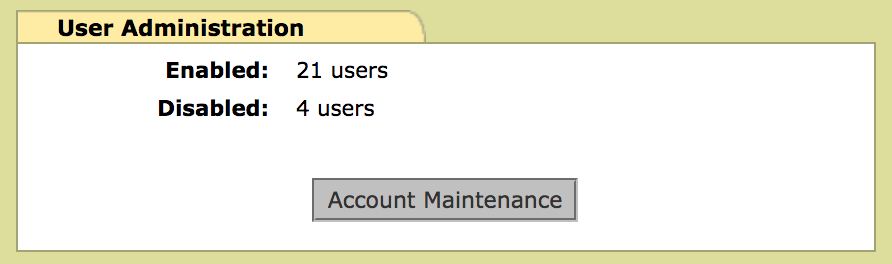
- Click “Start” or “Stop” to enable or disable each account
- Click on the User ID to edit user profiles, then click “Submit” to save the profile
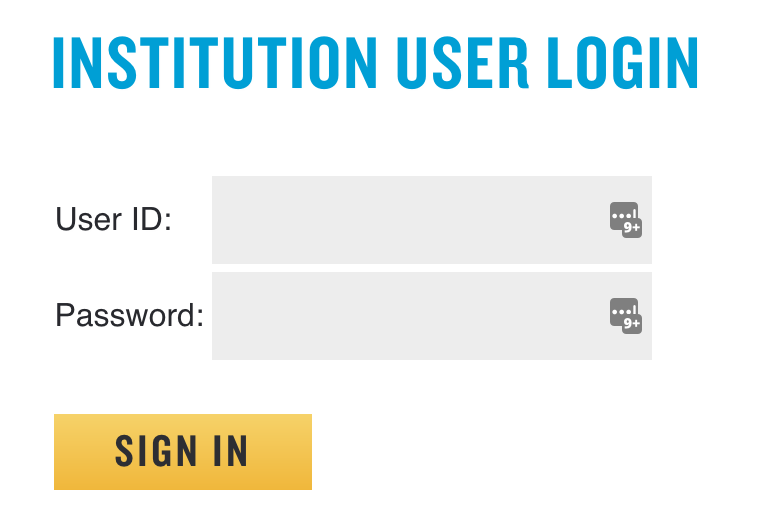
- End users would sign in through the URL provided and enter their assigned User ID / password